
Renard
Capture anything on screen in one shortcut: text, a screenshot, your clipboard, your latest files. Then send it wherever you want.
Download for Mac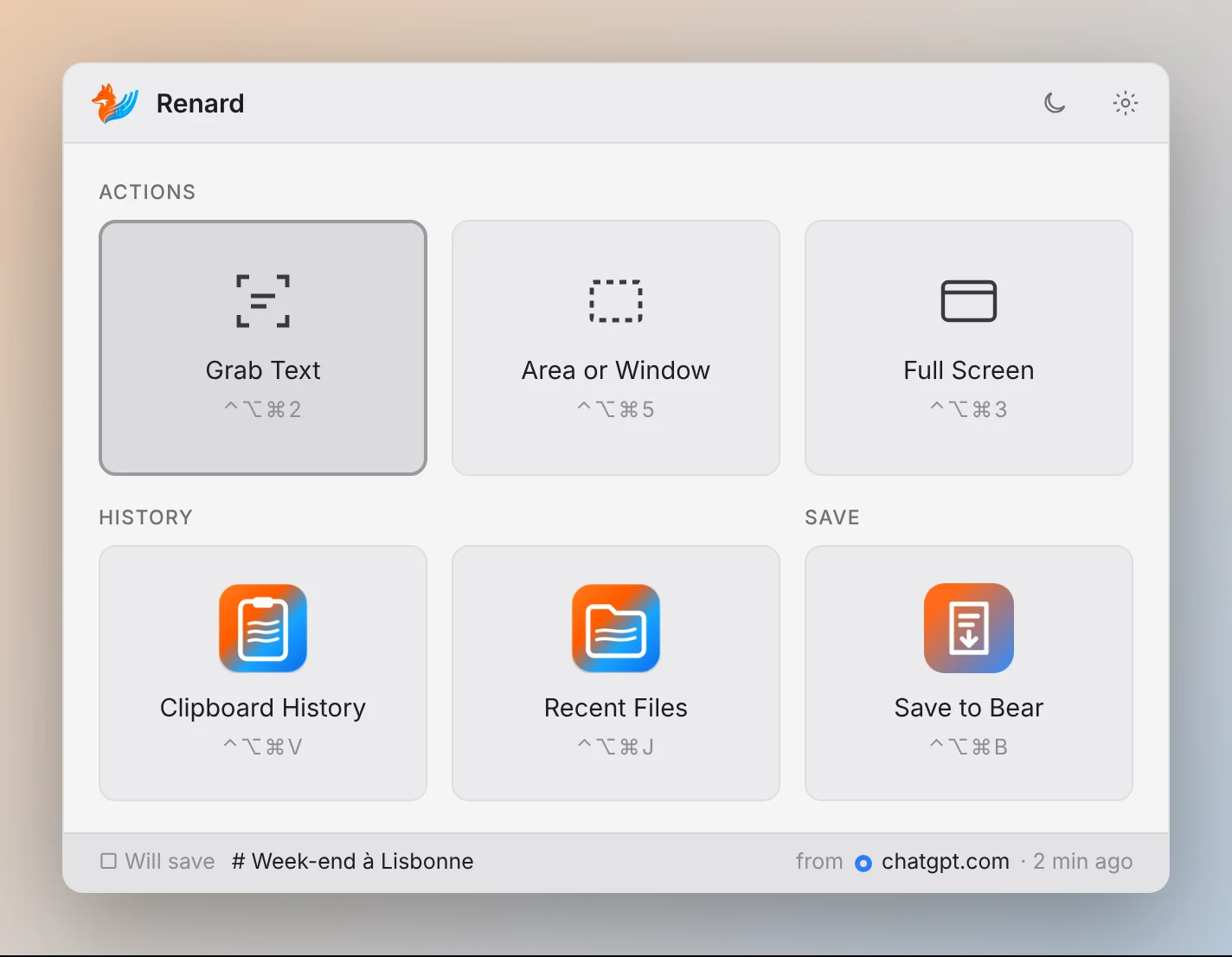
What Renard does
Grab Text ⌃⌥⌘2
Draw a box around any text on screen, even in an image or a video: it's copied.
Area or Window ⌃⌥⌘5
An area or a window, saved to the Desktop and already copied. Drag the preview into any app.
Full Screen ⌃⌥⌘3
The whole screen, nothing to select.
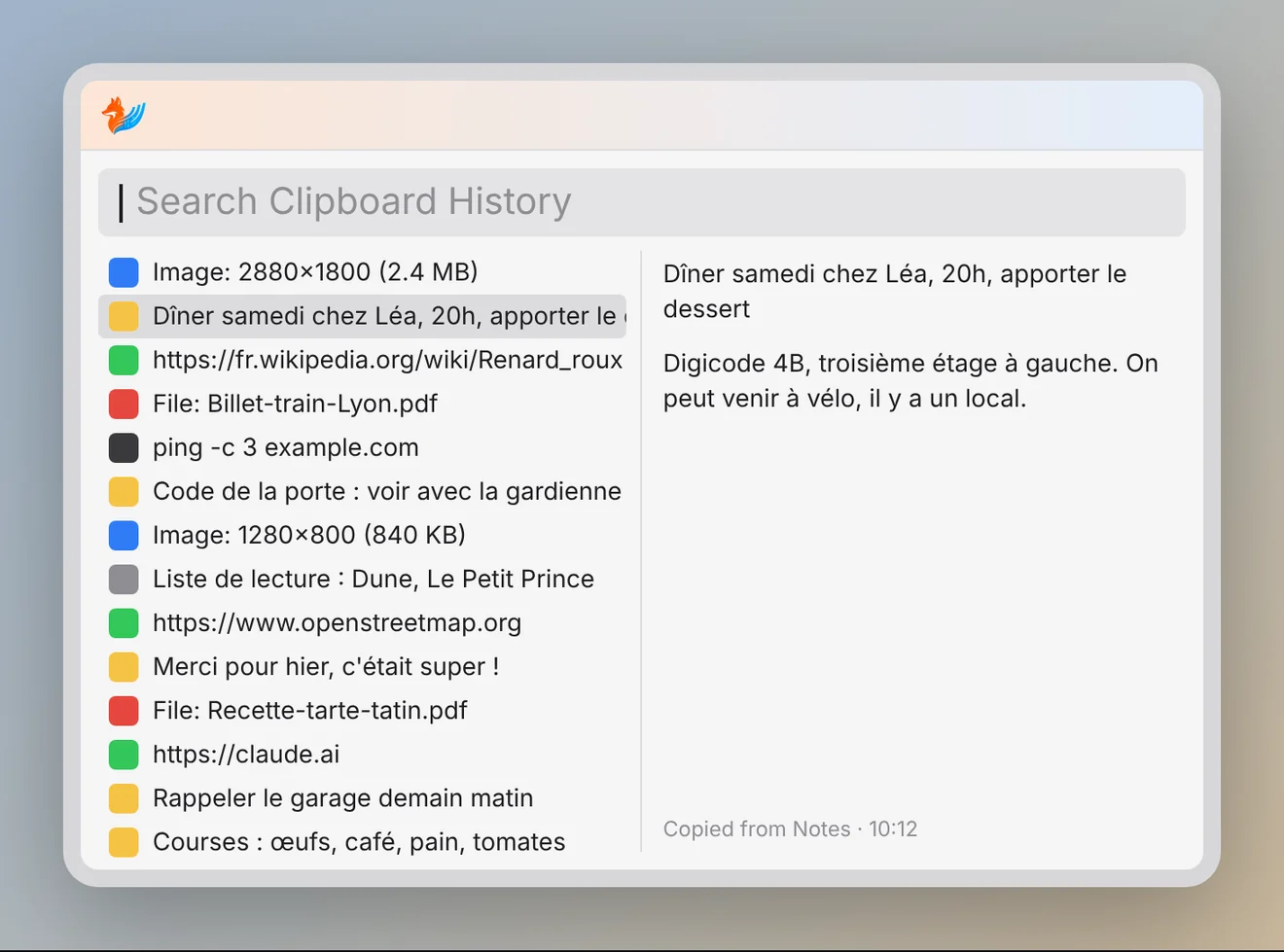
Clipboard History ⌃⌥⌘V
Everything you copied in the last 3 months: text, images, files. Type to search, ↩ to paste.
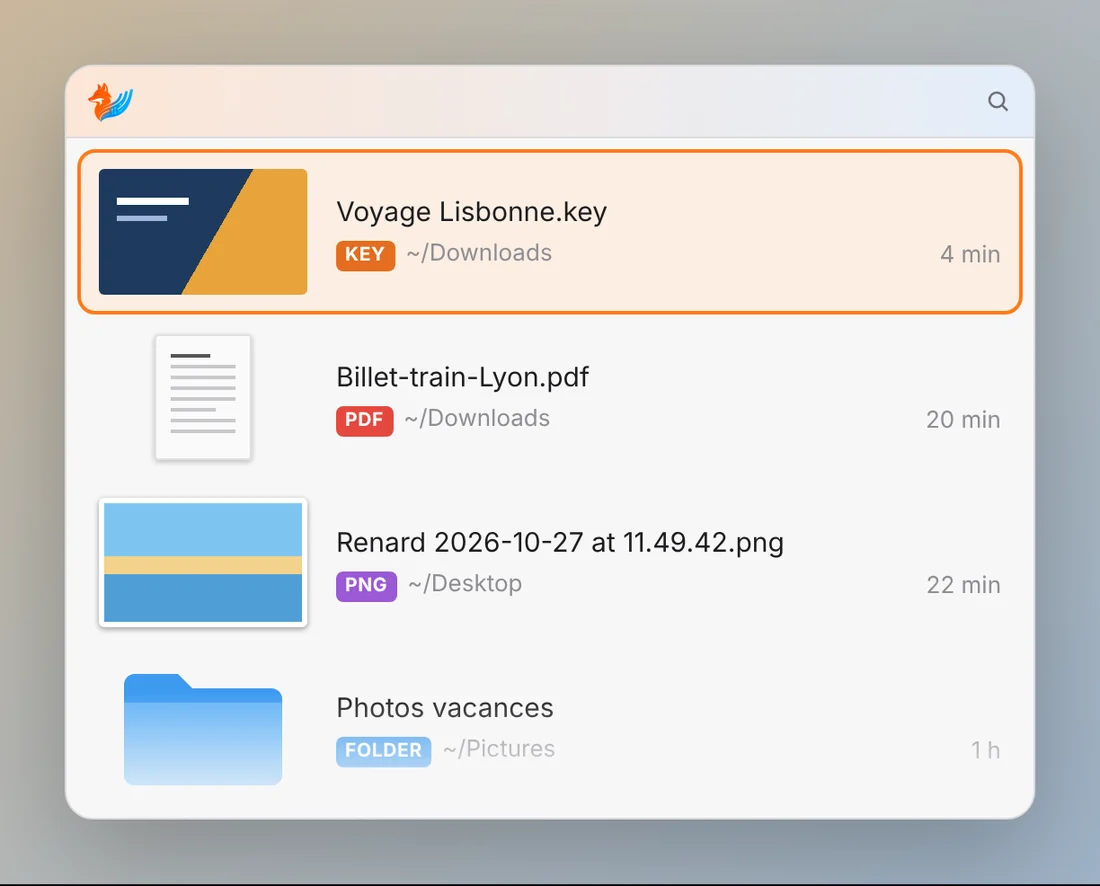
Recent Files ⌃⌥⌘J
Your latest downloads, screenshots and documents, ready to drag into an email or a chat.
Save to Bear ⌃⌥⌘B
An answer copied from ChatGPT or Claude becomes a formatted Bear note.
The panel ⌃⌥⌘R
Every action in one place, for when you forget a shortcut.
Updates
Renard updates itself, in one click.
English or French
Renard follows your Mac's language, or the one you pick in the fox menu.
Everything stays on your Mac: nothing leaves it unless you decide. Passwords copied from a password manager are never kept.
Install
Download Renard, open the zip file and drag Renard into Applications.
Open Renard. It's checked by Apple: macOS just asks once whether to open an app downloaded from the Internet, click Open.
A fox appears in the menu bar.
Renard asks for a permission only when you need it: Screen Recording for screenshots and Grab Text, Accessibility to paste from the clipboard, and access to your folders for Recent Files.
That's it. Renard updates itself.